

General Data Protection Regulation
We’ve updated the GDPR Settings to give administrators greater control over data privacy while ensuring full compliance with GDPR requirements. These settings help organizations manage how customer and lead data is collected, displayed, accessed, exported, updated, and removed—directly from the application.
All GDPR options can be configured from:
Settings → GDPR Settings
✅ Enable GDPR
Section titled “✅ Enable GDPR”Admins can enable or disable GDPR compliance for the entire application using the Enable GDPR toggle.
- When enabled, GDPR-related features become active across customer and lead areas
- When disabled, all GDPR-specific options are hidden
⚙️ General Settings
Section titled “⚙️ General Settings”? GDPR Visibility
Section titled “? GDPR Visibility”Admins can control where GDPR links appear:
- Show or hide the GDPR link in the customer navigation
- Show or hide the GDPR link in the customer footer
? GDPR Page Information
Section titled “? GDPR Page Information”You can add a custom top information block on the GDPR page to explain how user data is handled, stored, and protected.
? Right to Data Portability
Section titled “? Right to Data Portability”This setting controls whether customers can export their personal data.
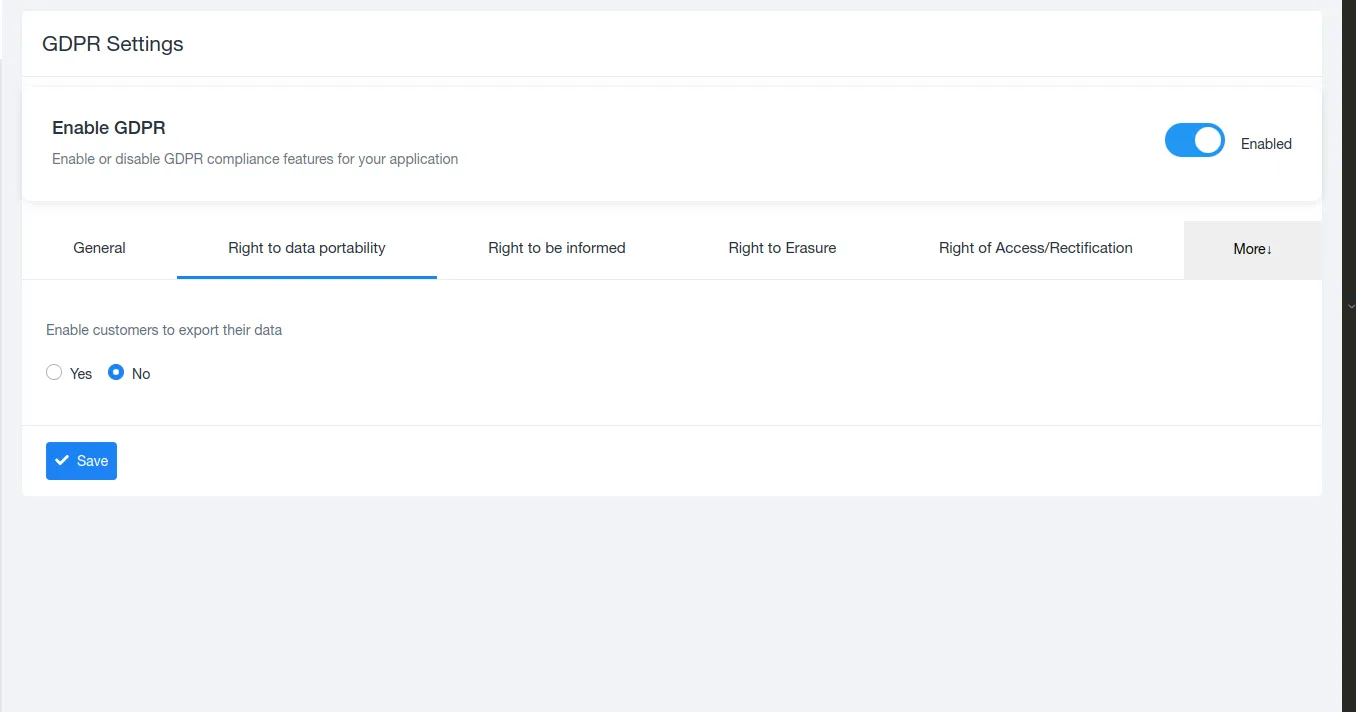
- Enable customers to export their data
- When enabled, customers can download a copy of their stored data
- When disabled, data export requests are restricted
This ensures compliance with the GDPR “Right to Data Portability”.
ℹ️ Right to Be Informed
Section titled “ℹ️ Right to Be Informed”Admins can configure legal information visibility:
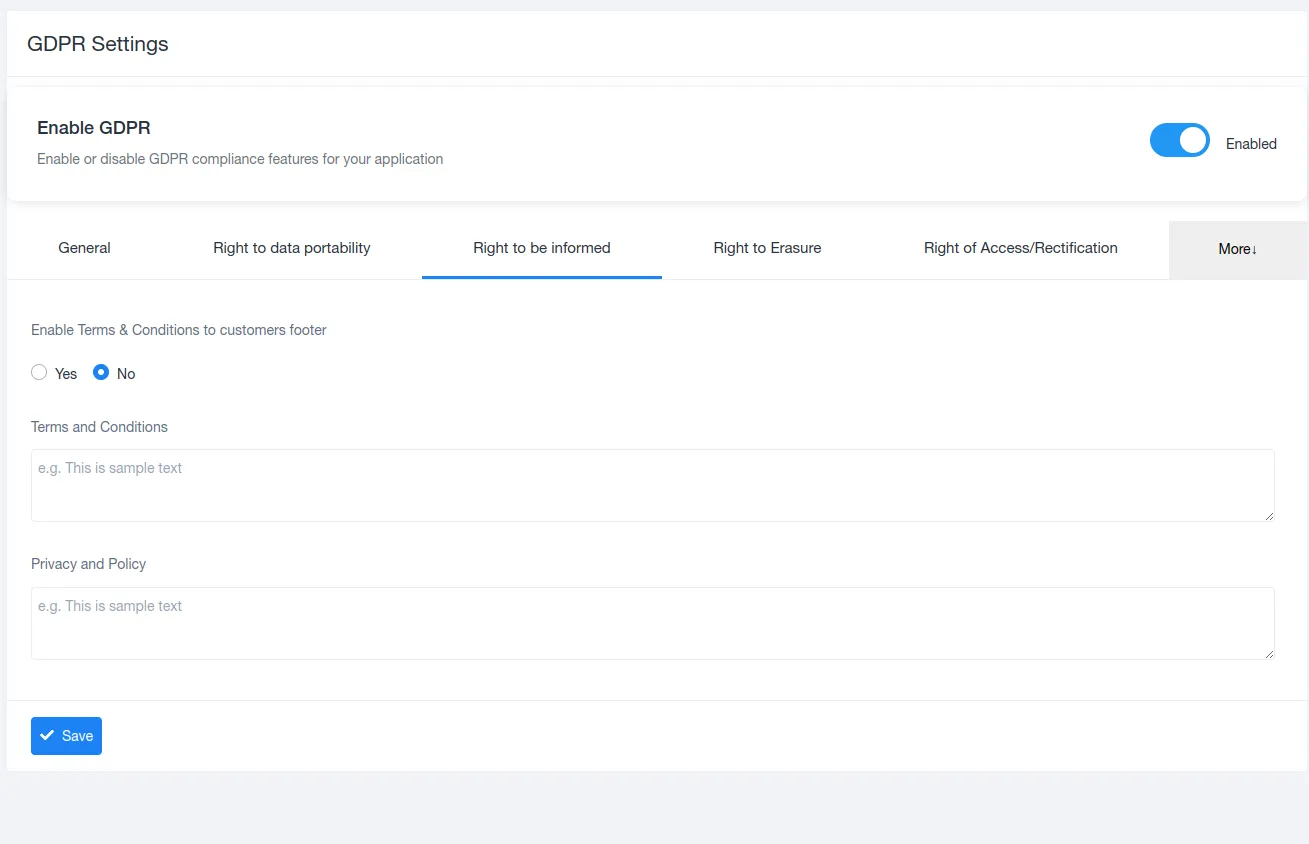
- Enable or disable Terms & Conditions in the customer footer
- Add custom Terms & Conditions content
- Add Privacy Policy content
These settings ensure users are clearly informed about data usage policies.
?️ Right to Erasure (Right to Be Forgotten)
Section titled “?️ Right to Erasure (Right to Be Forgotten)”Control how users can request data removal:
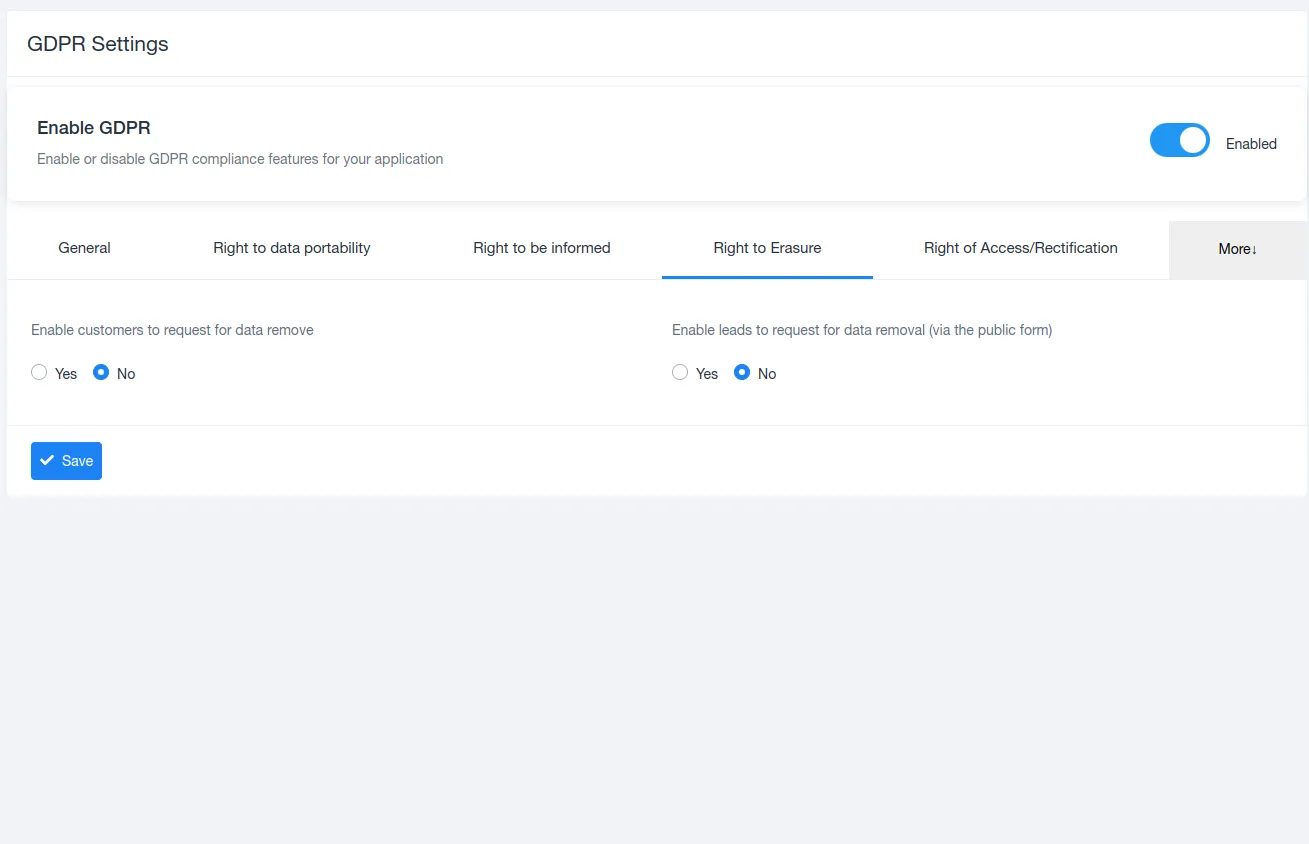
- Allow customers to request deletion of their data
- Allow leads to request data removal via a public form
Once enabled, deletion requests are routed through an approval process instead of being deleted automatically.
?️ Right of Access & Rectification
Section titled “?️ Right of Access & Rectification”This setting allows leads to correct their personal data:
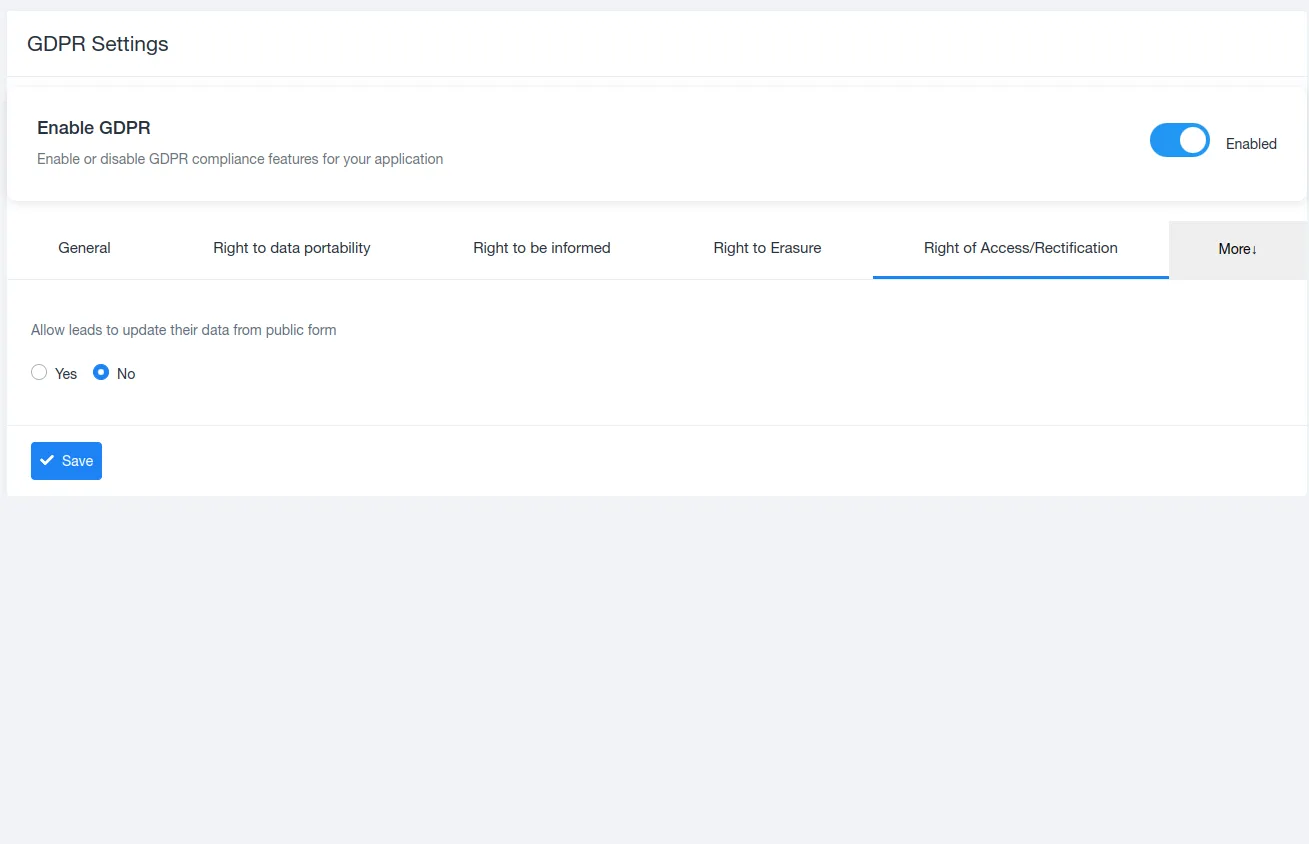
- Enable or disable lead data updates via public form
- Helps keep data accurate while maintaining control
? Additional GDPR Options (More Menu)
Section titled “? Additional GDPR Options (More Menu)”? Removal Requests
Section titled “? Removal Requests”- Customer Removal Requests – View and manage deletion requests from customers
- Lead Removal Requests – Review and process lead data removal requests
✅ Consent Management
Section titled “✅ Consent Management”- Consent Settings – Configure how user consent is collected
- Consent Lists – View and manage stored consent records for auditing purposes
? Benefits of Updated GDPR Settings
Section titled “? Benefits of Updated GDPR Settings”- Full GDPR compliance across the platform
- Centralized control for all data protection rules
- Transparent data handling for customers and leads
- Reduced legal and compliance risks
- Audit-friendly consent and request tracking
document.querySelectorAll(‘.portal-attachment-thumbnail-img’).forEach(function(img) {
img.addEventListener(‘error’, function () {
attachment_error_image(this);
});
});
const attachment_error_image = (attachment) => {
const parentElement = attachment.parentElement;
const defaultIcon = <span class="icon-file-empty"></span><span class="fw-attachment-ext">${escapeHtml(attachment.dataset.extension)}</span>;
parentElement.innerHTML = defaultIcon;
};