

Profile Settings
Customizing your profile as per your liking with your general details makes it more personalized for one’s use. This feature allows editing and customization of your profile as per your liking.
Section titled “Customizing your profile as per your liking with your general details makes it more personalized for one’s use. This feature allows editing and customization of your profile as per your liking.”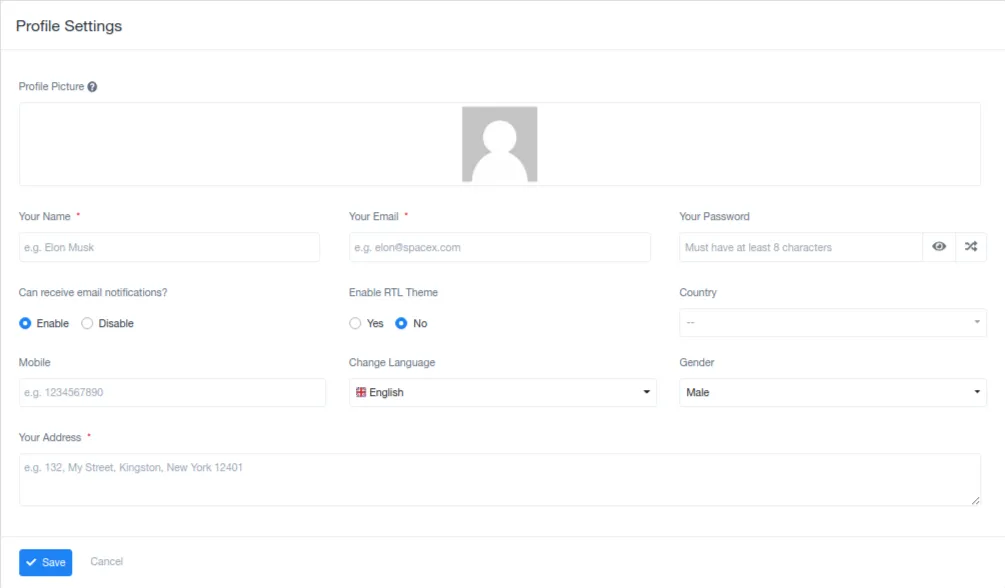
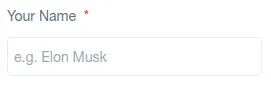
Personalize the workspace by adding your name to your profile.
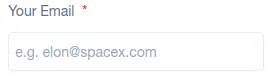
Official form of communication demands an individual’s email address to make work communication easier.
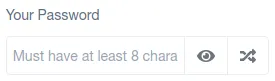
PASSWORD
Section titled “PASSWORD”The individual security feature is set to mainly protect one’s data stored in the system.
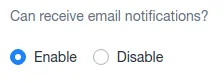
EMAIL NOTIFICATIONS
Section titled “EMAIL NOTIFICATIONS”This section helps the user to choose if they’d want to receive email notifications of any work or updates or not. Enabling and Disabling this is solely in the user’s hands.
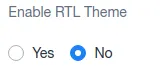
RTL THEME
Section titled “RTL THEME”Suitable for Arabic countries where the writings are from Right to Left and not in a generic manner.
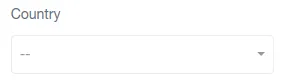
COUNTRY
Section titled “COUNTRY”Permits the selection of the country that the user is from which makes the storage of their data in the organization’s database more convenient.
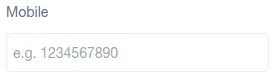
MOBILE
Section titled “MOBILE”User’s contact details for any kind of communication in the future.
LANGUAGE
Section titled “LANGUAGE”The preferred and comfortable language that should be the system’s default language for use can be selected from here.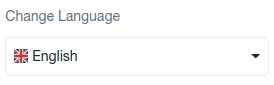
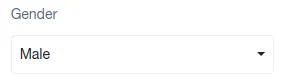
GENDER
Section titled “GENDER”User’s recognition of themselves as a specific gender is mentioned here.
ADDRESS
Section titled “ADDRESS”The user’s address is recorded here for the organization’s rec

document.querySelectorAll(‘.portal-attachment-thumbnail-img’).forEach(function(img) {
img.addEventListener(‘error’, function () {
attachment_error_image(this);
});
});
const attachment_error_image = (attachment) => {
const parentElement = attachment.parentElement;
const defaultIcon = <span class="icon-file-empty"></span><span class="fw-attachment-ext">${escapeHtml(attachment.dataset.extension)}</span>;
parentElement.innerHTML = defaultIcon;
};