

Product Warranty
Enabling Warranty:
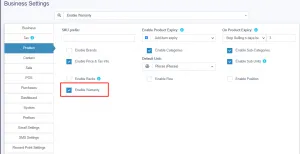
Section titled “Enabling Warranty:”To enable warrany in products go to Settings -> Business Settings -> Products -> Enable Warranty
Using Warranty
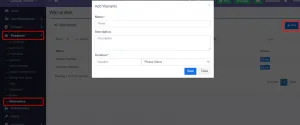
Section titled “Using Warranty”- Adding Warranty: Add warranty types by going to Products -> Warranty.
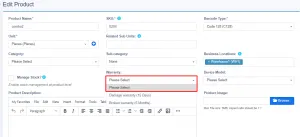
- Assigining warranty for products: Go to Add/Edit product and select the warranty that is applicable for the product.
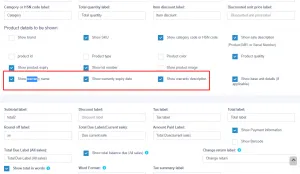
- **Sell with warranty:**Any products which has warranty assigned when sold will use the transaction date as start of warranty. You can display warranty in receipts by enabling it from Invoice layout.
📩 Still stuck? Contact Support