

Square Payment Gateway Integration
Square helps millions of sellers run their business-from secure credit card processing to point of sale solutions.
1. Login to your Account
Section titled “1. Login to your Account”Login to your Square Up Developer account.
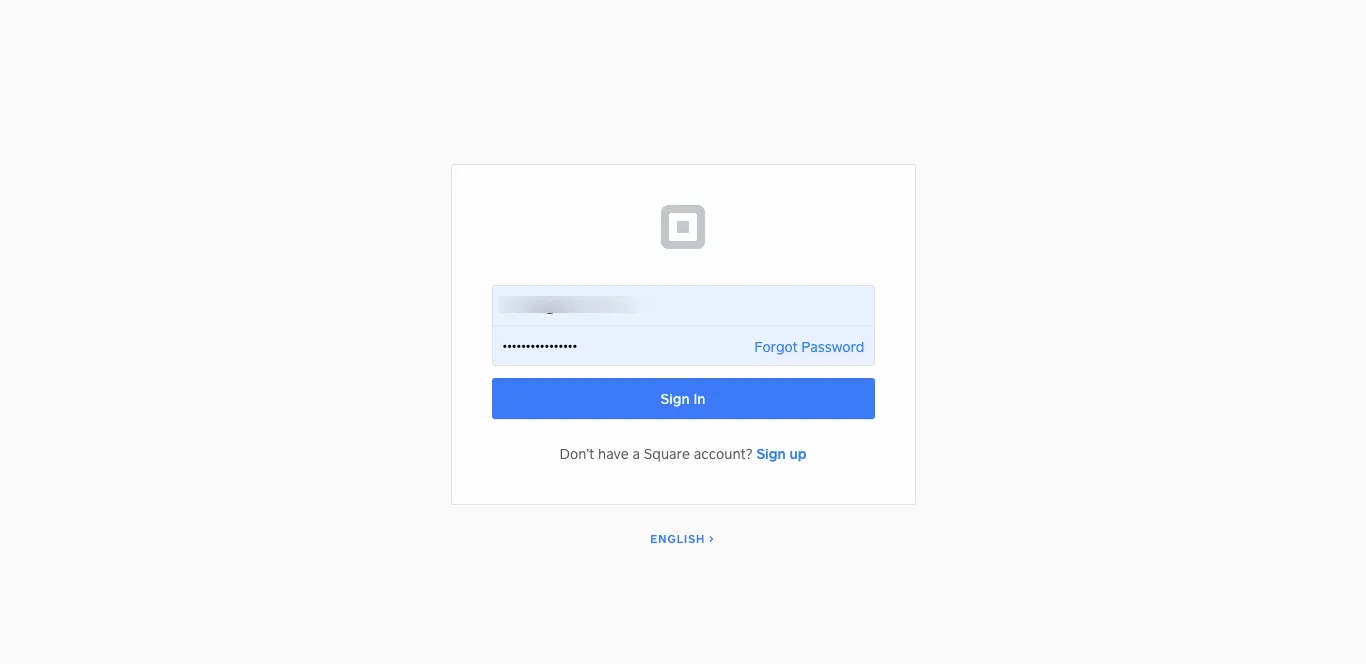
2. Get Application Id, Access Token, Location Id
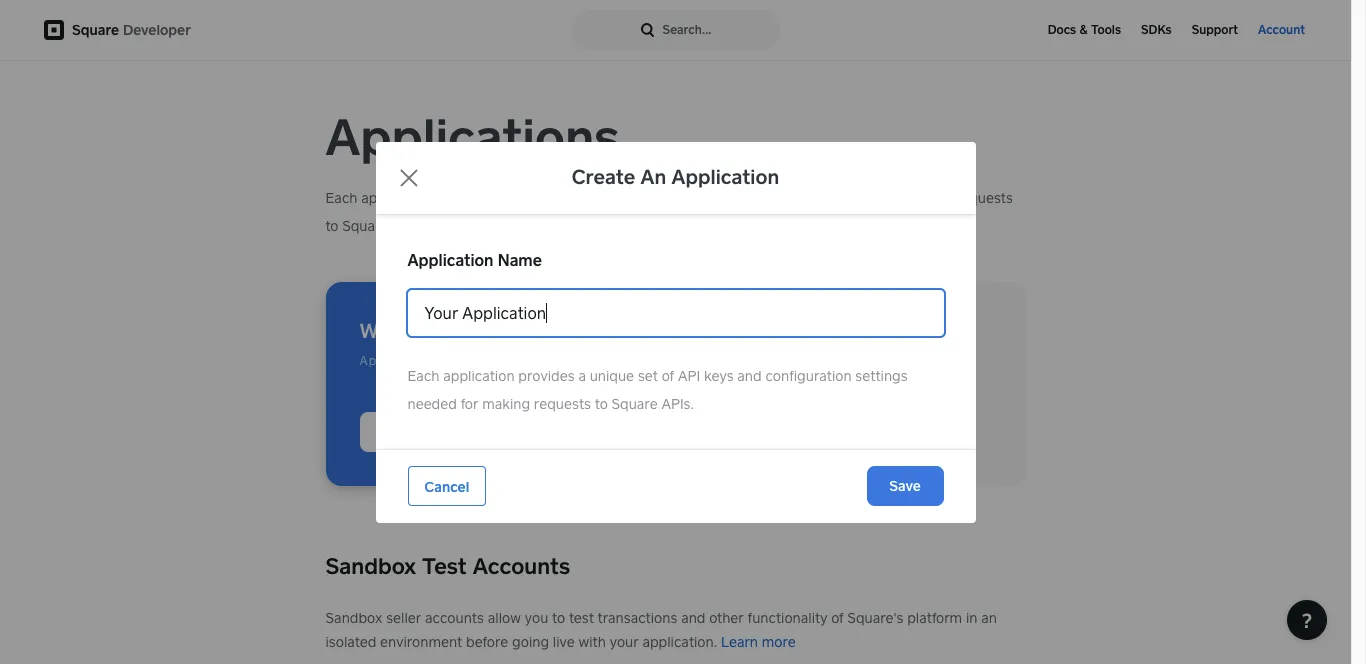
Section titled “2. Get Application Id, Access Token, Location Id”Add Application if you don’t have Application on your account.
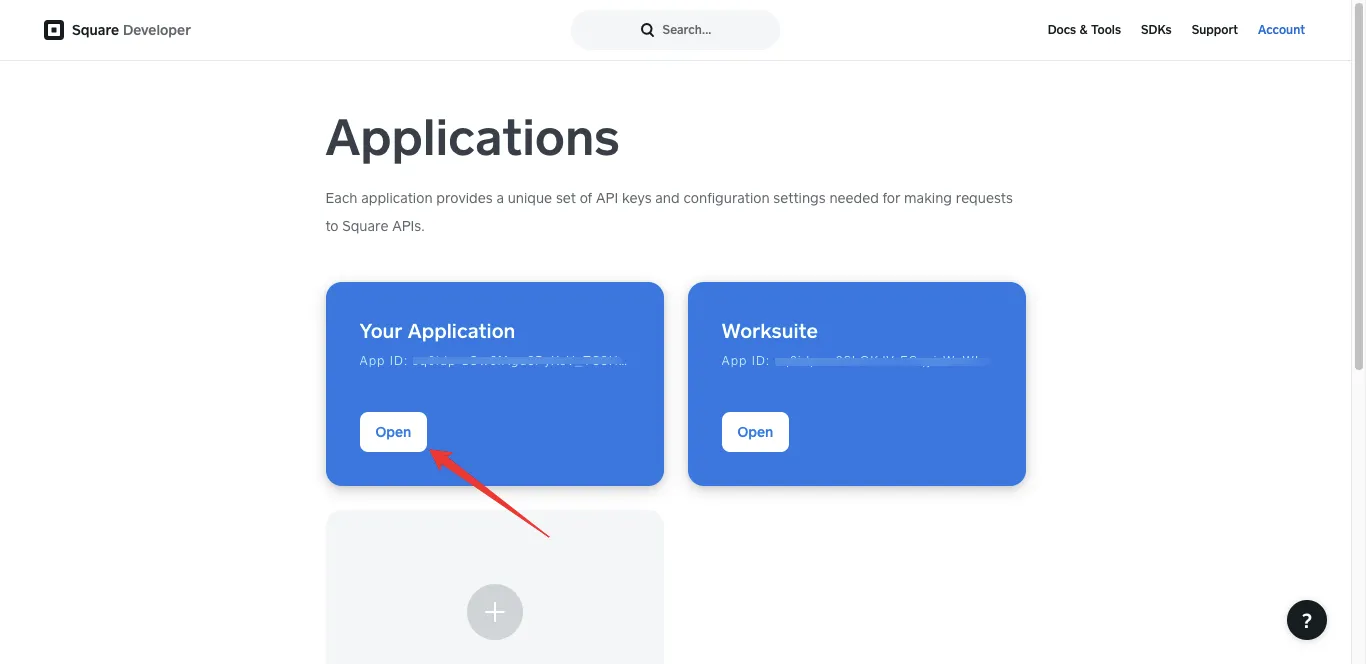
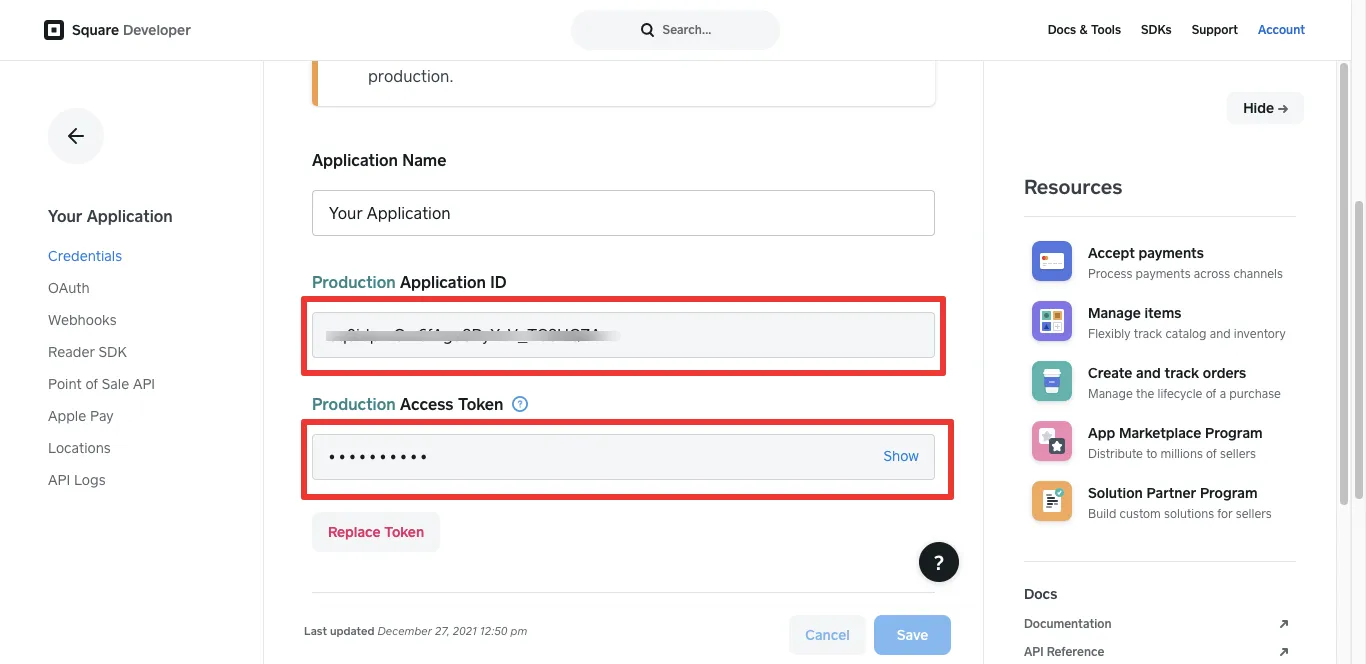
Now Open Application to Get Application Id, Access Token, Location Id.
Select Environment of Application
For Production Environment You need to activate your account.
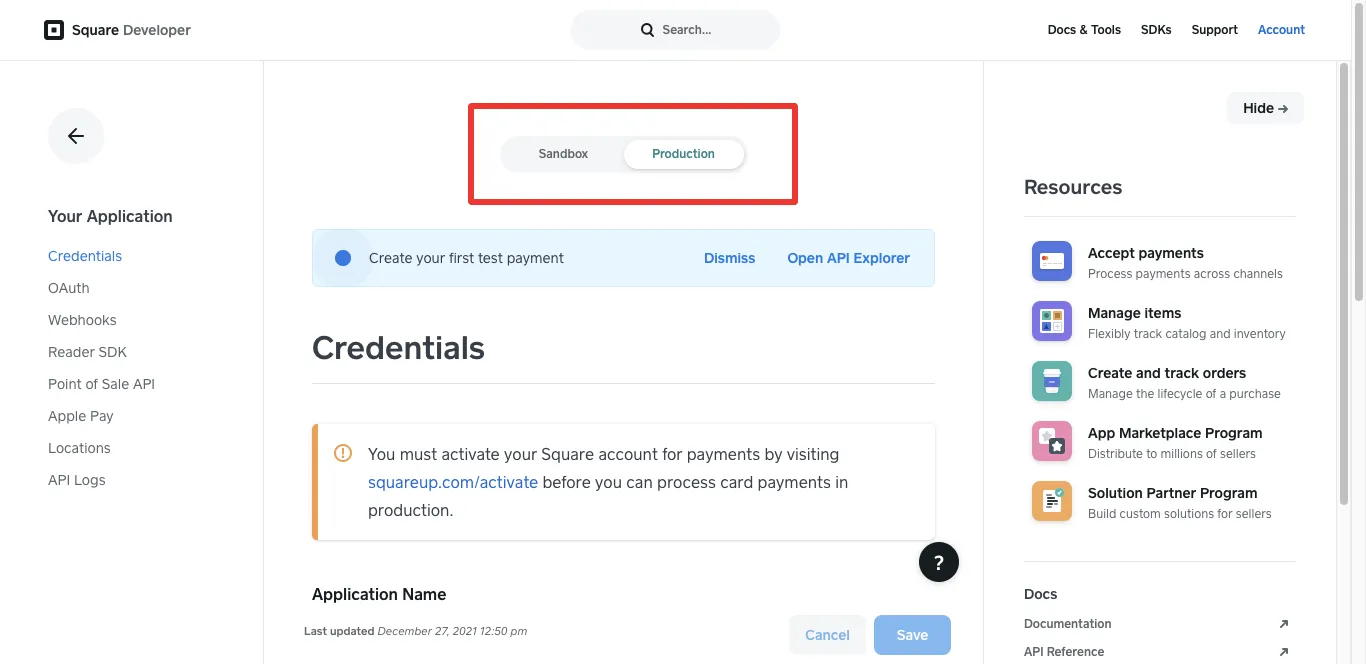
After Selection of Environment you get your Application IDand Access Token.
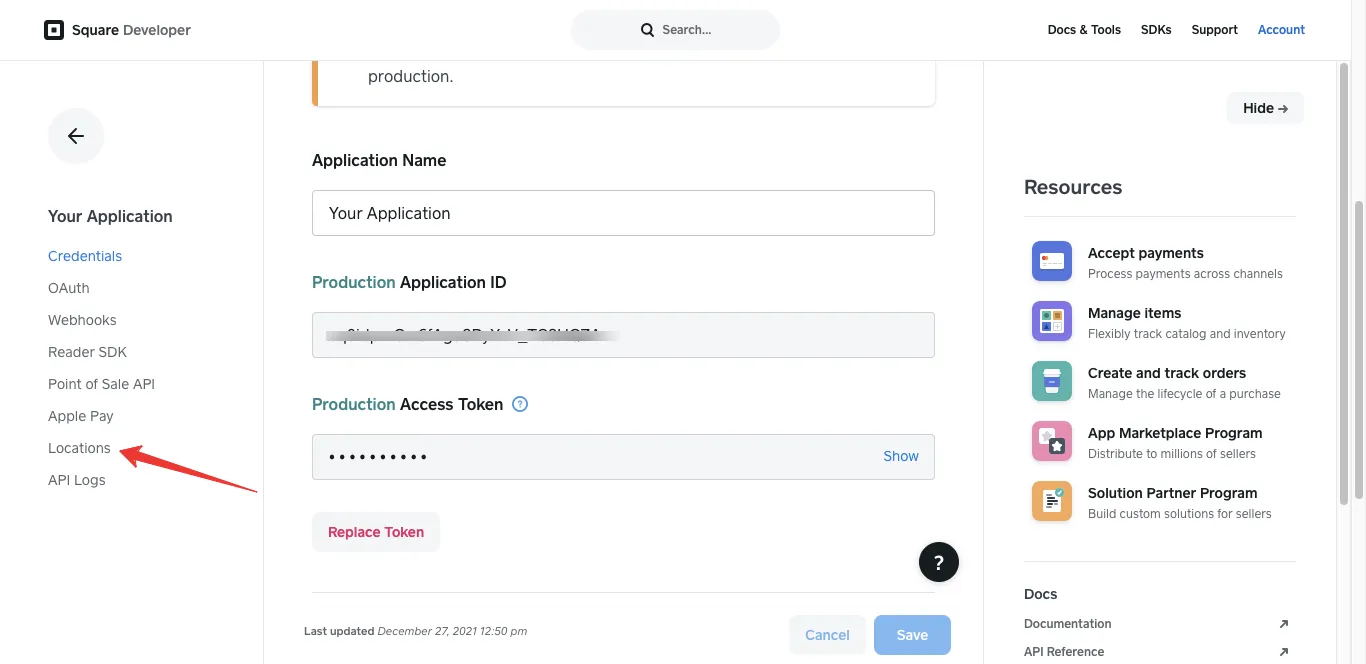
For Location Id click on Locations
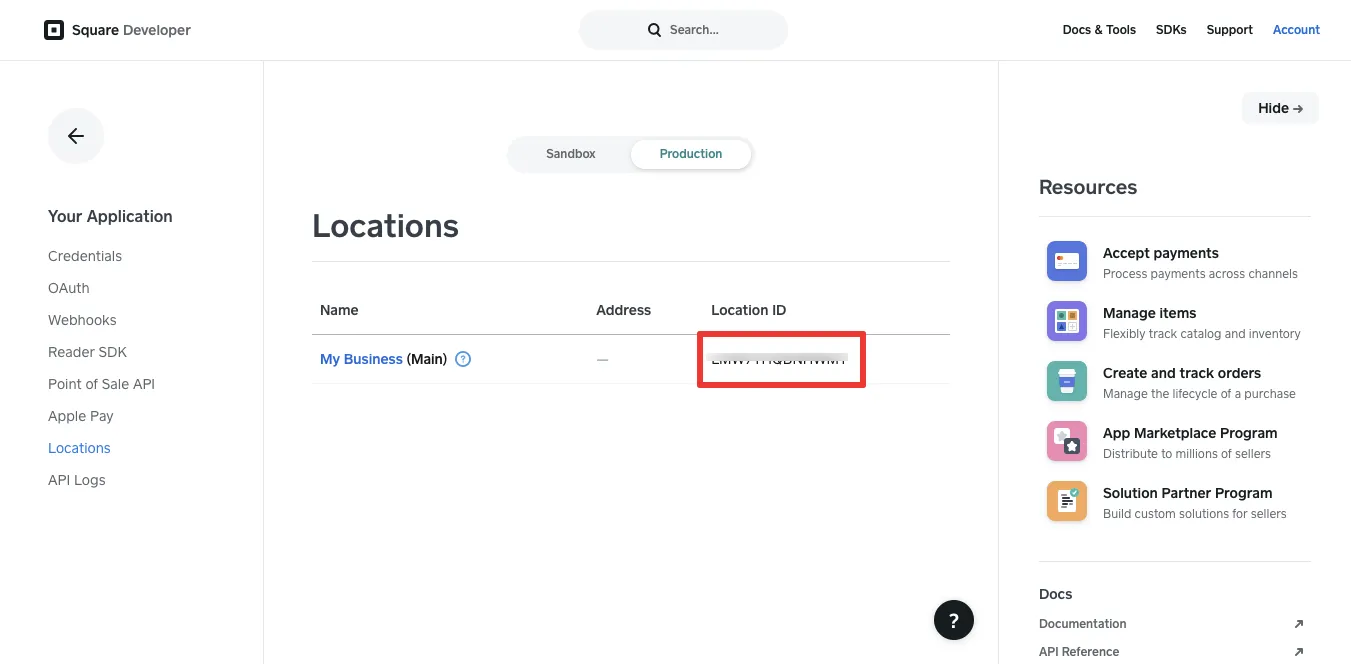
In Locations you will get your Location ID
3. Integrate with application
Section titled “3. Integrate with application”Login into Application and open Settings > Payment Credentials > Square check Square Status after that Select Environment and enter your Application Id, Access Token and Location Id.
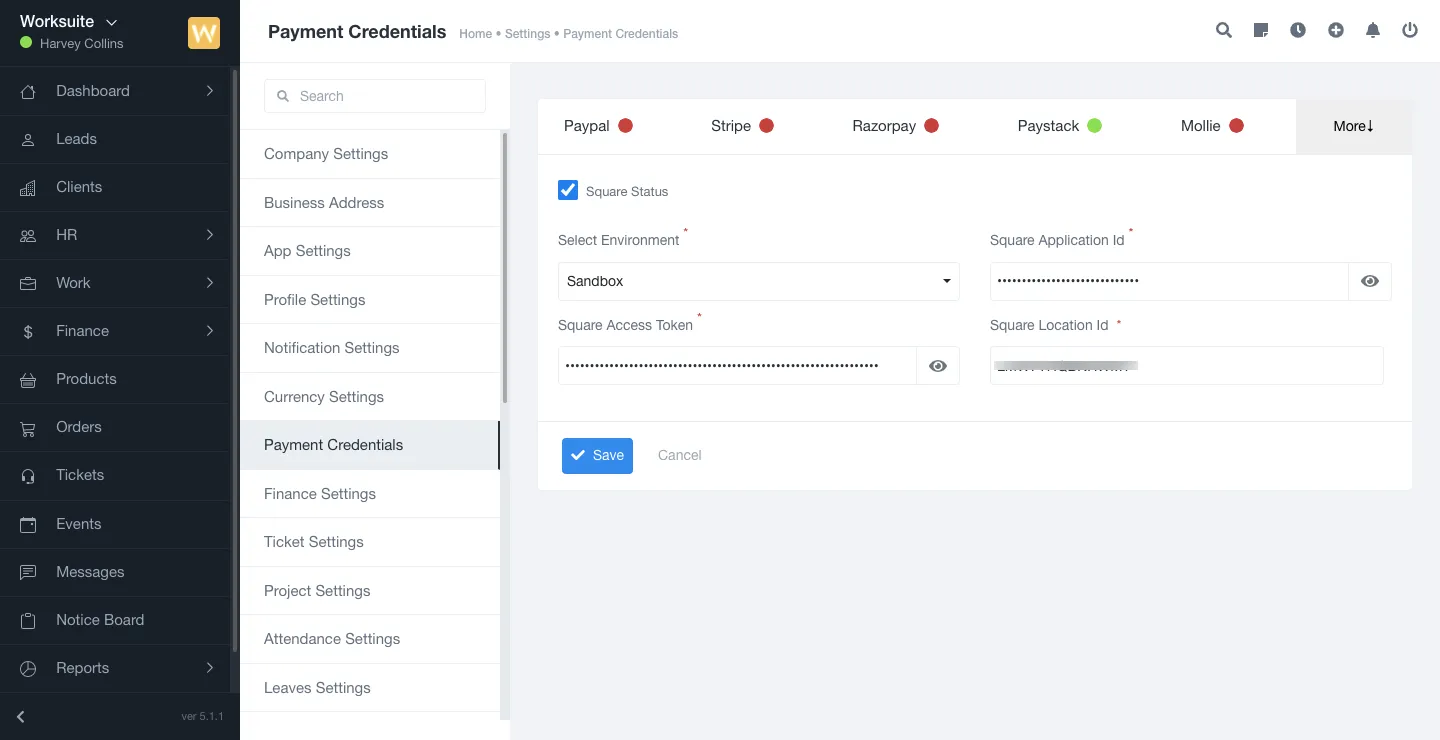
Now save the changes and you are ready to accept the payment via Square.
document.querySelectorAll(‘.portal-attachment-thumbnail-img’).forEach(function(img) {
img.addEventListener(‘error’, function () {
attachment_error_image(this);
});
});
const attachment_error_image = (attachment) => {
const parentElement = attachment.parentElement;
const defaultIcon = <span class="icon-file-empty"></span><span class="fw-attachment-ext">${escapeHtml(attachment.dataset.extension)}</span>;
parentElement.innerHTML = defaultIcon;
};