

Module Settings
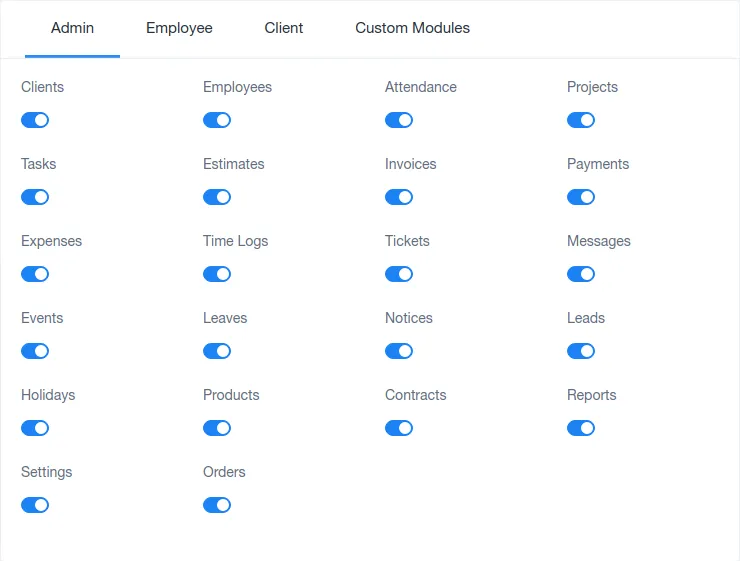
Module Settings allows to add or remove different modules in the three defined panels. It permits the creation of a well-defined panel to be effective and productive with its usage. It helps in customizing the workspace for different panels as per their requirements leading to a more clean and useful workspace. This makes it ideal for organizing all kinds of work and plans in an individual’s panel resulting in better efficiency of the product at hand.
document.querySelectorAll(‘.portal-attachment-thumbnail-img’).forEach(function(img) {
img.addEventListener(‘error’, function () {
attachment_error_image(this);
});
});
const attachment_error_image = (attachment) => {
const parentElement = attachment.parentElement;
const defaultIcon = <span class="icon-file-empty"></span><span class="fw-attachment-ext">${escapeHtml(attachment.dataset.extension)}</span>;
parentElement.innerHTML = defaultIcon;
};